Getting Wi-Fi to work on an old Macbook Pro (Ubuntu)
Old Mac + Ubuntu = Wi-Fi struggle. 🐧💻 Every time I revive a 2011 Macbook Pro, the Broadcom drivers give me trouble. Here’s the 3-step fix to get the firmware-b43-installer working so you can stop tethering your phone and start surfing.
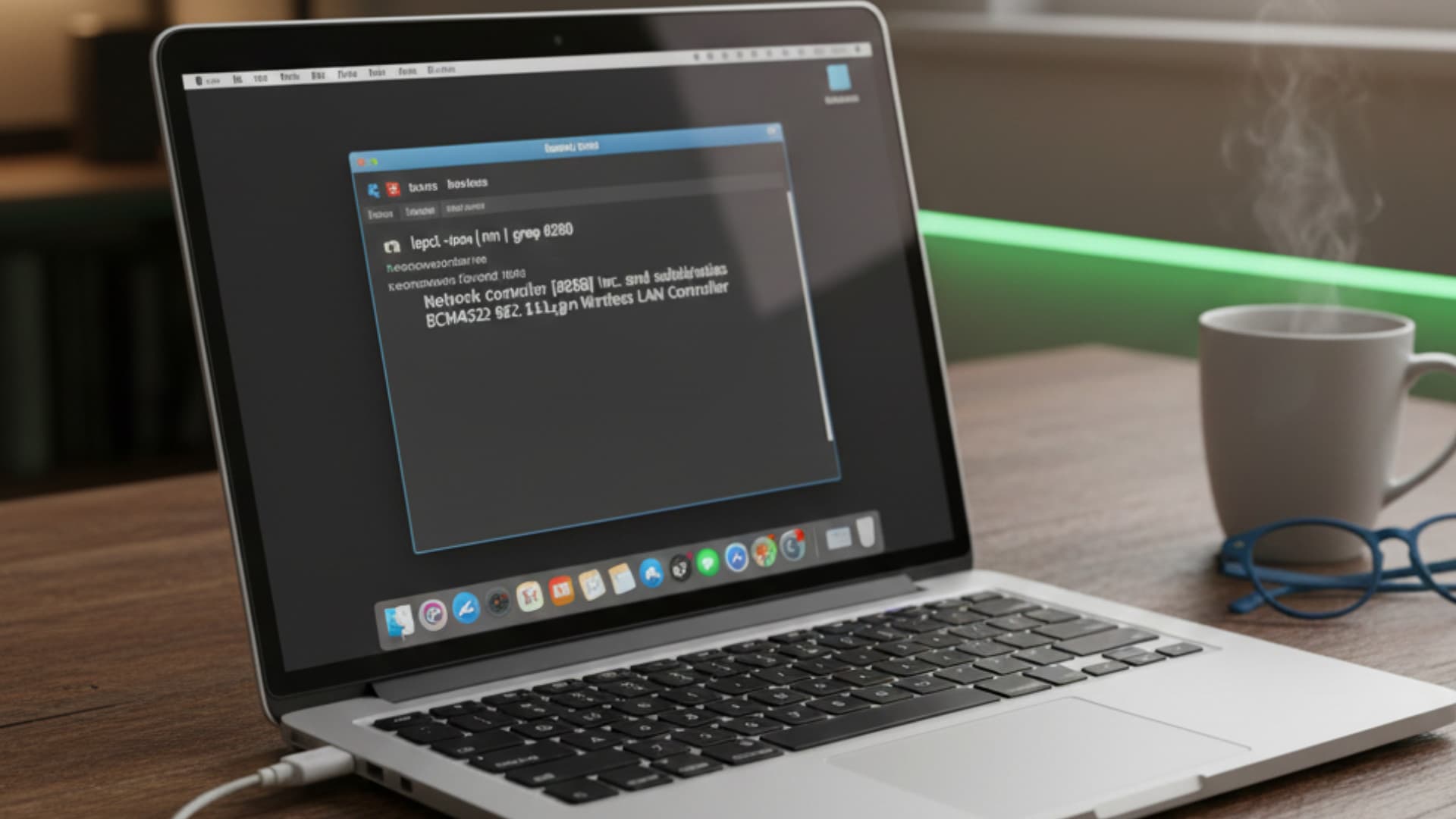
Every time I install Linux—in this case, Ubuntu on an older Macbook Pro from 2010/2011—there’s a struggle to get the Wi-Fi working. This time was no exception. Luckily, I could tether my iPhone to get online.
Anyway, let me jot down how I usually find the right drivers so you (and I, next time) can save some time.
1. Identify your hardware First, check exactly what hardware you’re dealing with by running this in the terminal:
lspci -nn | grep 0280
In my case, the output was: Network controller [0280]: Broadcom Inc. and subsidiaries BCM4322 802.11a/b/g/n Wireless LAN Controller.
2. Find the right driver I consulted an LLM, and it suggested that the open-source b43 driver is the best choice for stability on modern kernels. Hard to argue with that.
3. Installation To install the firmware for the b43 driver, run these commands:
sudo apt update
sudo apt install firmware-b43-installer
reboot
And that's it! After the reboot, your Wi-Fi should be up and running, and you're ready to surf the web.
Gillade du inlägget?
Dela det med någon som också kan tycka det är intressant.