Why I Migrated my Next.js Blog from Vercel to Cloudflare Workers
A practical, step-by-step account of why I moved my Next.js (App Router) site off Vercel and onto Cloudflare Workers using OpenNext—what broke, how I fixed it, and the lessons learned for future migrations.

Why I Migrated my Next.js Blog from Vercel to Cloudflare Workers 🚀
I recently moved my Next.js App Router blog from Vercel to Cloudflare Workers using OpenNext. This post explains why I made the switch, what actually broke during the transition, and the practical steps I took to make the site stable and performant on Cloudflare.
Why I considered migrating
-
Cost and control: Cloudflare’s Workers + CDN model fit my budget and gave me more control over routing and edge cache behavior.
-
Single global edge: Lower latency for worldwide visitors by serving logic closer to users.
-
Hobby/learning: I wanted to learn how to deploy a full Next.js site on Workers and solve the common portability issues.
The biggest surprises (and blockers)
-
Node-only APIs in runtime bundles caused immediate runtime crashes:
-
Error: “[unenv] https.request is not implemented yet!” — caused by server-side SDKs using Node
https/http. -
Next + third-party SDKs often expect Node runtime features (e.g., Cloudinary Node SDK,
@notionhq/client). -
SSR server code and Auth flows had to be reworked for the edge environment.
-
Build-time quirks on Windows with OpenNext—WSL performs better for dev builds.
What I changed — a practical list
- Audit server-side dependencies
-
Replaced Node SDKs that rely on
https.requestwith fetch-based solutions. -
Example: Cloudinary uploads → direct
fetch()to REST API and WebCrypto-based signing. -
Example: Notion → direct Notion REST calls + custom block → Markdown conversion.
- Migrate auth to a Workers-compatible stack
-
Replaced older server-bound adapters with a fetch-based approach (Auth.js v5/next-auth v5 compatible patterns).
-
Ensure token secrets and session checks use edge-safe primitives.
- Fix runtime shims & script loading
-
Add small polyfills for missing runtime globals when necessary (e.g., place
__namepolyfill early in<head>). -
Load third-party scripts (AdSense) using plain
<script>tags to avoid framework-specific warnings.
- Expand route coverage and verify pages
- Recreate missing routes (tools index and
/tools/*pages) and ensure they’re client vs server-rendered correctly (add"use client"where needed).
- Build & deploy via OpenNext + Wrangler
-
Use
opennextjs-cloudflare build && opennextjs-cloudflare deploy(orwranglerdirectly). -
If on Windows, consider using WSL for a smoother OpenNext experience.
- Post-migration checks
-
Smoke test OAuth flows, blog pages, admin pages, and any API endpoints (e.g., URL shortener).
-
Rotate any credentials that were exposed or leaked during the migration process.
Recommended migration checklist
-
Local audit: identify Node-only APIs, native modules, and native networking usage.
-
Replace or adapt server-side SDKs to use
fetchand WebCrypto (Workers-friendly). -
Convert server endpoints to edge-safe implementations (no Node builtin networking).
-
Test auth flows end-to-end on a staging domain (including Google OAuth).
-
Run full production build; fix client/server component boundaries (
"use client"where hooks are used). -
Deploy to Cloudflare, then monitor logs + browser console for runtime errors.
-
Iterate: fix 404s and missing endpoints (some tools may need additional API routes).
Lessons learned & best practices
-
Avoid Node-specific server SDKs if you want true edge portability—prefer fetch-based REST calls.
-
Keep client and server responsibilities clear; components that use hooks must be client components.
-
Use encrypted secrets and rotate them when switching platforms.
-
Prefer incremental deployments and test on a staging environment before cutting DNS.
Closing thoughts
Moving to Cloudflare Workers was a few small refactors and one or two architectural shifts away from being a straightforward upgrade—overall, it was rewarding and resulted in lower latency and more control at the edge. If you're considering a similar migration, start with an audit of server-side dependencies and prioritize replacing Node-only networking with the Fetch API.
Gillade du inlägget?
Dela det med någon som också kan tycka det är intressant.
Relaterade inlägg
Building a Custom Notion CMS with Next.js 14
I built a custom CMS using Next.js 14 and Notion to streamline my blogging workflow. Features include a split -view Markdown editor, drag-and-drop image uploads to Cloudinary, and slash commands—all integrated directly into my website.
How to Implement Notion as a CMS for Your Next.js Blog
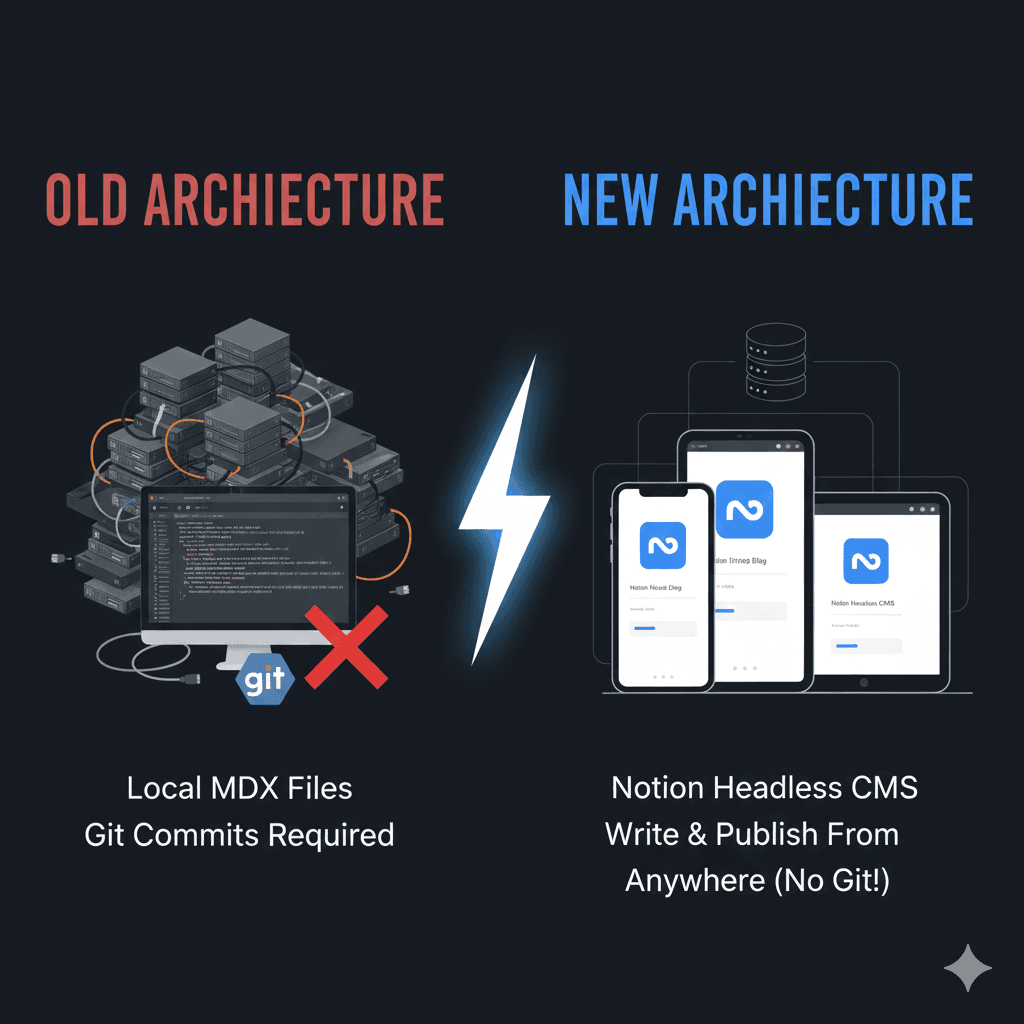
A complete step-by-step guide to using Notion as a headless CMS for your Next.js blog, including setup, implementation, and automated migration scripts.