How to Implement Notion as a CMS for Your Next.js Blog
A complete step-by-step guide to using Notion as a headless CMS for your Next.js blog, including setup, implementation, and automated migration scripts.
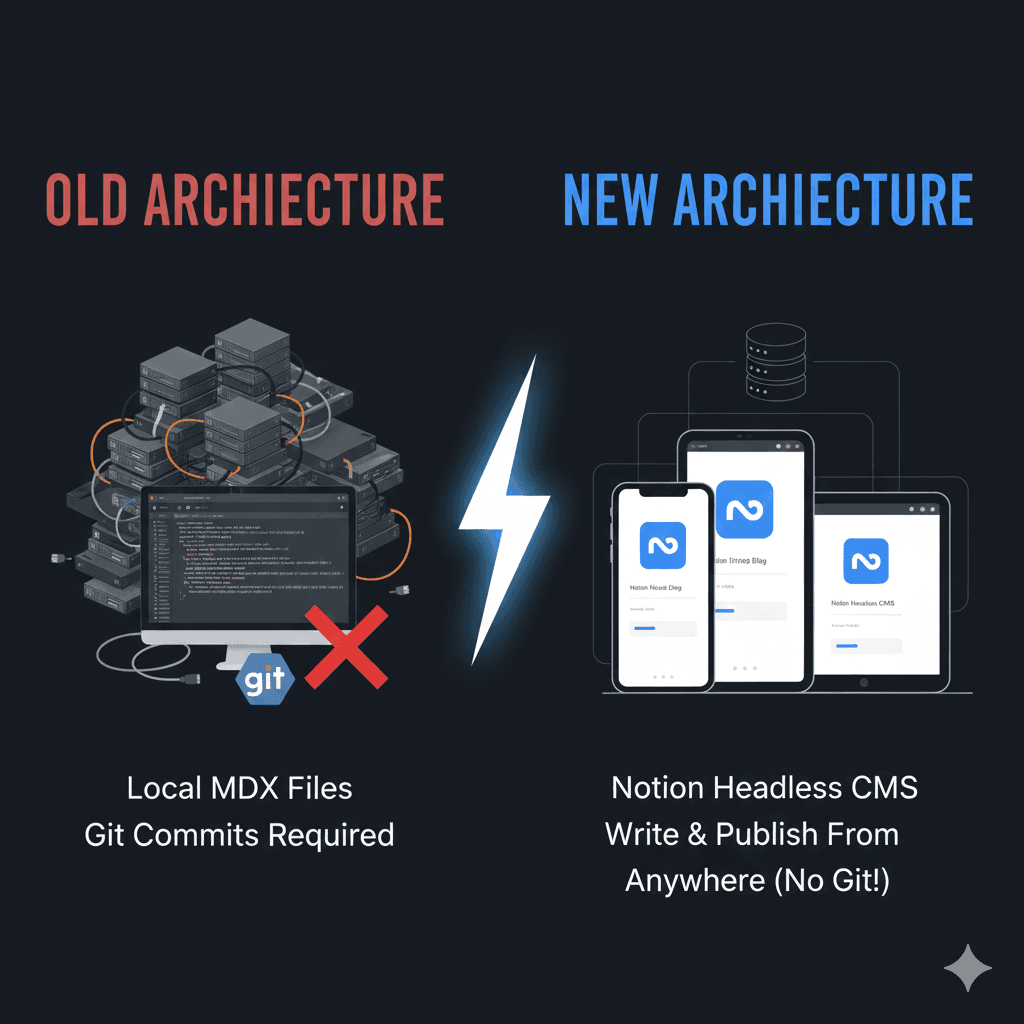
-
Rich Editing: Notion's editor is fantastic for organizing thoughts.
-
No Deployments: I just hit "publish" (add a row) in Notion, and the site updates automatically via ISR (Incremental Static Regeneration).
If you're looking for a low-maintenance CMS for your personal blog, I highly recommend giving Notion a shot.
Gillade du inlägget?
Dela det med någon som också kan tycka det är intressant.
Relaterade inlägg

Why I Migrated my Next.js Blog from Vercel to Cloudflare Workers
A practical, step-by-step account of why I moved my Next.js (App Router) site off Vercel and onto Cloudflare Workers using OpenNext—what broke, how I fixed it, and the lessons learned for future migrations.

Building a Custom Notion CMS with Next.js 14
I built a custom CMS using Next.js 14 and Notion to streamline my blogging workflow. Features include a split -view Markdown editor, drag-and-drop image uploads to Cloudinary, and slash commands—all integrated directly into my website.