Chrome and My Mac: Facing the End of Monterey Support (and My Ubuntu Solution!)
Google Chrome is ending support for macOS Monterey, leaving many users (including me, with my trusty Macs running Ubuntu Linux!) to consider their options. Here's my take on what this means and how I'm navigating the change.
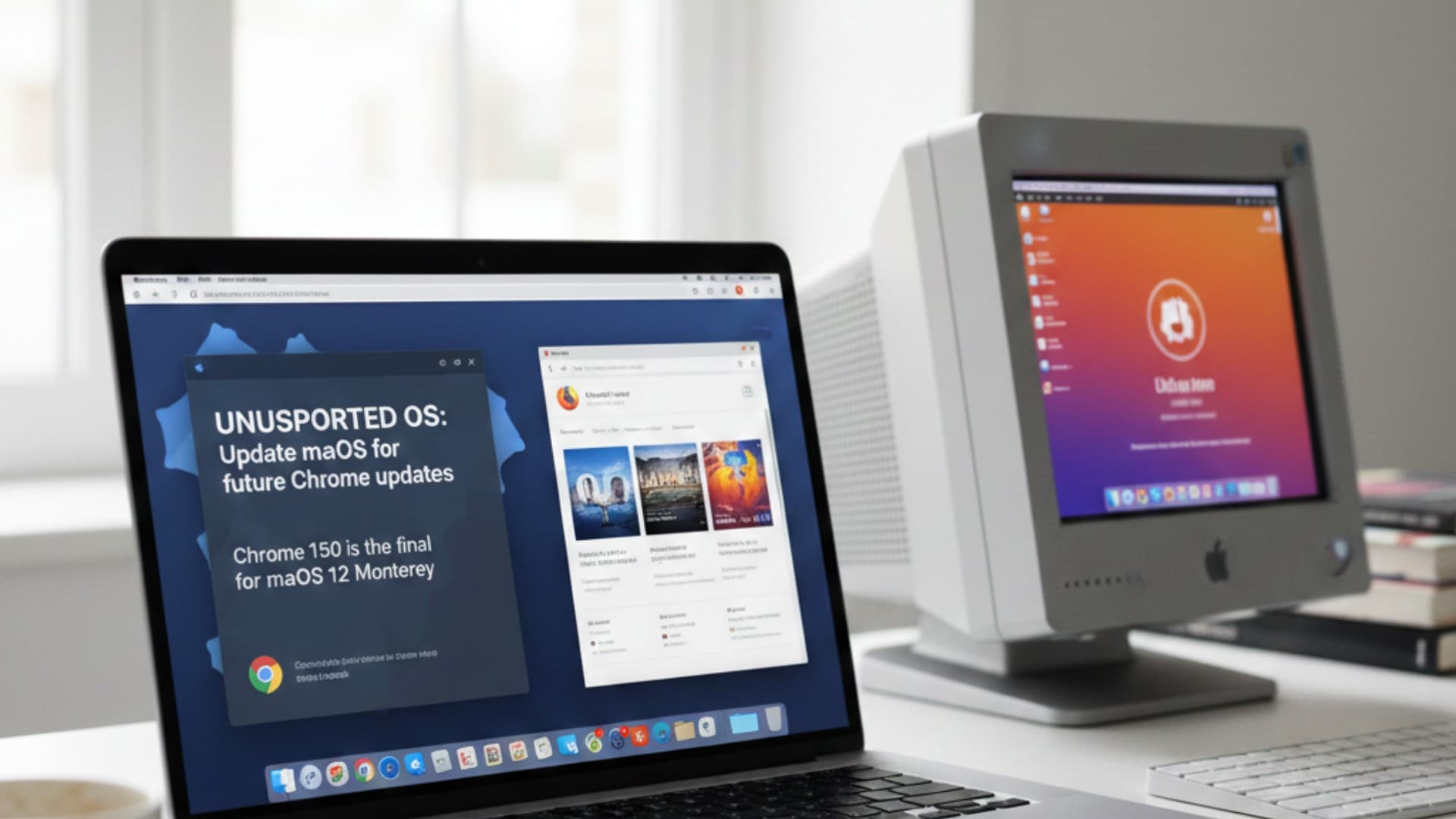
Well, folks, Google just dropped some news that will impact many Mac users, and honestly, it hits close to home for me too.
They've confirmed that the Chrome 150 update, due out later this year, will be the very last version to support macOS Monterey (version 12). After that, if you're like some of us still rocking Monterey, your Chrome browser will essentially be stuck in time.
What's the Deal?
Here’s the skinny: If your Mac is running Monterey, Chrome 150 will continue to function. However, Google plans to display a persistent warning and, crucially, your browser won't get any more updates. Think about it – no new features, no performance tweaks, and most importantly, no vital security patches. For new installations of Chrome 151 and beyond, you'll need macOS 13 (Ventura) or newer.
Google hasn't given us an exact date for Chrome 150 yet, but looking at their typical release cycle (roughly every four weeks for major versions), we can probably expect it sometime around mid-2026. So, we've got a bit of time, but the writing is definitely on the wall.
Why This is a Big Deal (Especially for Me!) For most people, an outdated browser is a big security risk. New threats emerge constantly, and updates are what keep us safe online. Beyond security, you miss out on performance improvements and compatibility with the latest web standards.
Now, for my personal situation, this news is particularly interesting. At home, I don't use macOS anymore! I’ve got some older Macs that don't support the latest macOS versions, so I've embraced the open-source world and installed Ubuntu Linux on them. This means that while many Mac users are contemplating an OS upgrade, I'm already on a different path entirely, enjoying modern browsers and a fully updated system thanks to Linux.
So, What Are Our Options?
If you're a macOS Monterey user, here’s how you can prepare:
-
Upgrade Your macOS: For many, the simplest path is to update your Mac to macOS Ventura (13) or a later supported version. This will let you keep using the latest Chrome.
-
Switch Browsers: If upgrading macOS isn't feasible or desirable (perhaps your Mac is older, like some of mine), then considering an alternative like Firefox is a solid move. Firefox continues to support a wider range of macOS versions and keeps its browser updated with security and feature enhancements.
-
Embrace Linux (My Path!): If you've got an older Mac that's been left behind by Apple's OS updates, take a page from my book! Installing a Linux distribution like Ubuntu can breathe new life into your hardware. You'll get a modern, secure operating system and access to the latest web browsers, all while making your old Mac incredibly useful again.
It's a reminder that technology is always moving forward. Whether you choose to upgrade your macOS, switch browsers, or venture into the world of Linux like I have, the key is to ensure you're using an up-to-date and secure browser for your online adventures.
Gillade du inlägget?
Dela det med någon som också kan tycka det är intressant.
Fortsätt läsa
Relaterade länkar i samma kategori.
 feber.seNews
Feber
Feber är din dagliga källa till allt om teknik, bilar, prylar, spel, vetenskap och populärkultur. Vällkommen!
 feber.seNews
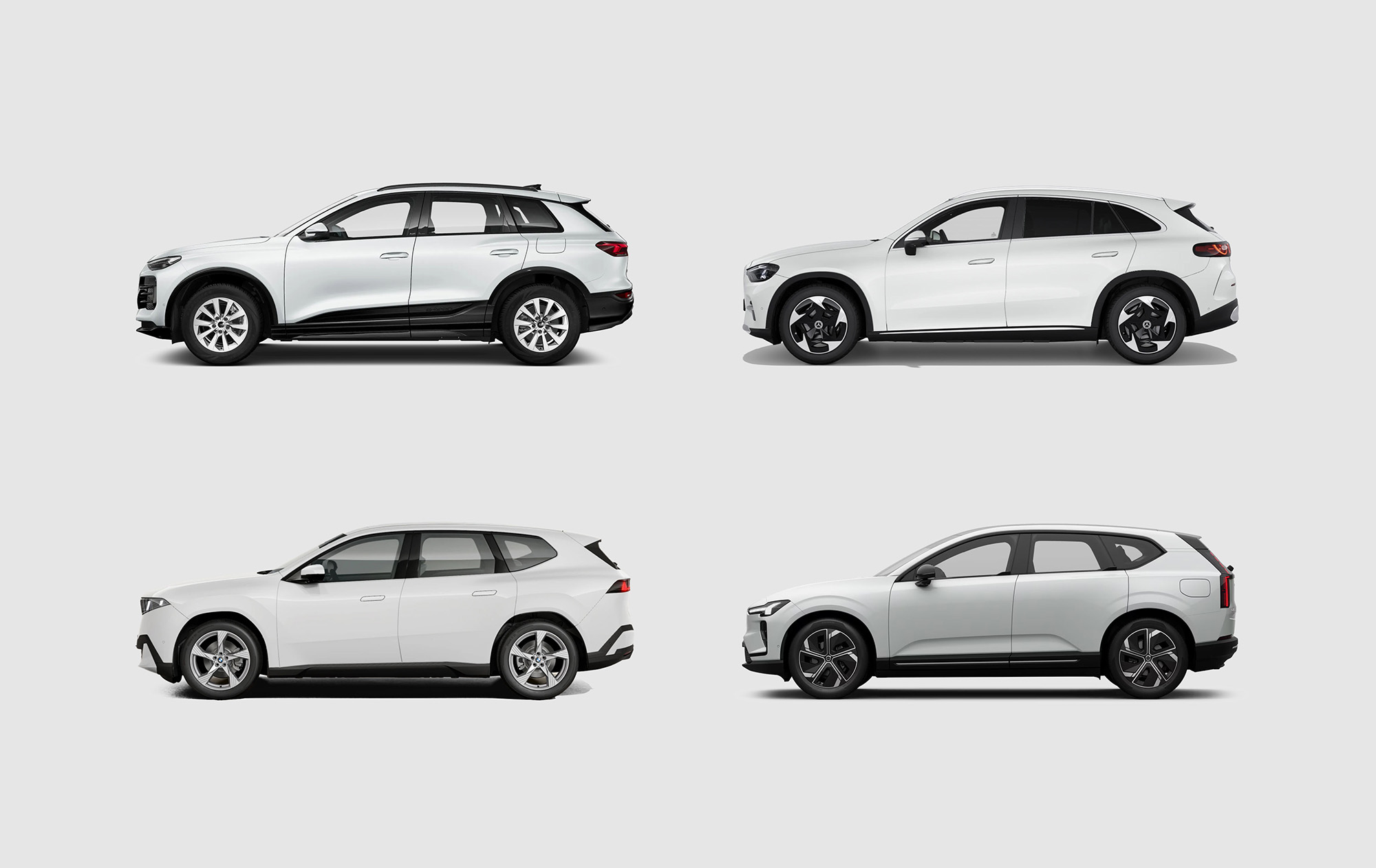
Så står sig Volvo EX60 mot tyskarna! Vi jämför med Audi, BMW och Mercedes.
Vill du ha en bra eldriven suv och har runt 750.000 kronor på fickan? Grattis! Nu har du fler alternativ än någonsin. Audi har sin Q6 sedan länge, men nu är Mercedes på gång med en ny GLC, BMW på gång med en ny iX3 och sedan igår är Volvo på gång med nya EX60. Men vilken är bäst? Börja med att klicka på länken till Automatos så att du får upp all fakta i ett andra fönster, så att du kan jämföra direkt. De tre tyskarna har egentligen bara en variant var. Q6 Quattro, GLC 400 4Matic, iX3 50 xDrive. Volvo har tre olika varianter, men det är mellanvarianten P10 AWD som vi ska jämföra med här. Kollar vi på Automatos-poäng så är det BMW som är vinnaren med 68 poäng, följd av Volvon på 64 poäng, Mercedes på 60 poäng och Audin sist med 53 poäng. Audin får sämst betyg eftersom den helt enkelt är lite sämre på allt. Inte dålig, men heller inte lika bra. Dessutom är den dyrast i gänget med sina 789.900 kronor. När man lägger till att inredningen är dum och baksätet trångt så åker faktiskt denna ut redan innan slutspelet har börjat på riktigt. BMW kommer längst för pengarna På batterisidan vinner BMW med en räckvidd på över 80 mil. För att få samma räckvidd med Volvon behöver du kliva upp till P12 AWD och då hamnar prislappen norr om 800.000 kronor. Vill man verkligen betala 60.000 kronor mer för en Volvo jämfört med en BMW? Alla tre märkena levererar annars riktigt bra när det gäller batteri. Man har lite olika fart på snabbladdning men när det i praktiken troligen bara kommer att skilja någon minut vid laddstationen, ja då får vi säga att den delen är oavgjord. Mercedes är störst På avdelningen utrymmen vinner Mercedes stort på pappret. I bagaget får man plats med 570 liter, vilket ska jämföras med 520 respektive 523 i BMW respektive Volvo. Mercedesen har dessutom en frunk på 128 liter, när både BMW och Volvo har 58 liter. BMW har lite sämre dragvikt med 2000 kg, både Volvo och Mercedes har 2400 kg. BMW och Mercedes lite bättre än Volvo På prestandasidan är det väldigt jämnt. Snabbast är Mercedes, sedan kommer Volvo och sist BMW. Men alla tre bilarna tar sig till 100 km/h på under fem sekunder och man behöver inget mer. Oavgjort här, eller möjligen en liten fördel till Mercedes. Vilken är det bästa valet? Är räckvidden viktigast, välj BMW. Är utrymmen viktigast, välj Mercedes. Men det är oerhört jämnt. Jag tror att alla köpare av de här bilarna kommer att välja den bil som de tycker är snyggast. Alla tre är på pappret helt fantastiska. Alla är dyra, men ingen är ett dåligt val och ingen har några plumpar i protokollet. Välkommen till framtiden! För i framtiden kommer det se ut så här i premiumsegmentet, alla bilar kommer att vara mer eller mindre perfekta på pappret. Nu kommer det att handla om design, smarta lösningar, garantier och hur man tar hand om kunden. Allt det där mjuka.
Relaterade inlägg

The End of "CoolGuy2004": Google Finally Rolling Out Official Gmail Address Changes
For over two decades, your @gmail.com address was permanent. Now, a newly discovered Google support document reveals that the tech giant is finally allowing users to swap their usernames without losing a single email or file.